
No made-up numbers
Every value shown is measured on your device. If 2 MB can be cleaned, it says 2 MB; you never see an inflated figure meant to alarm you.
Cleaner and anti-virus for Android
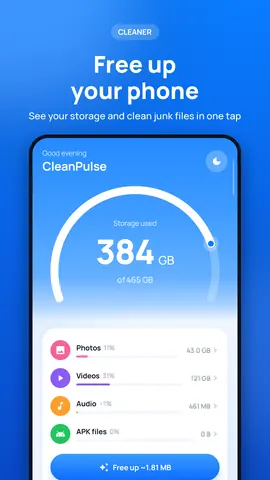
CleanPulse shows where your storage goes, removes junk files with your approval, and scans your apps with Kalkhan Anti-Virus right on your device.
Free · Android 8.0 and later · 6 languages
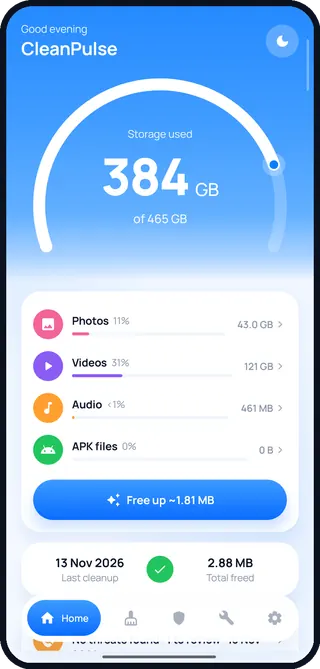
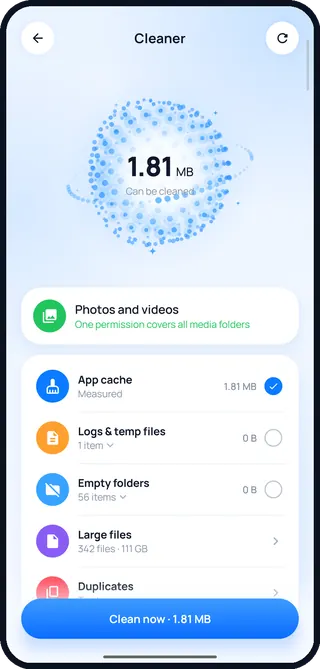
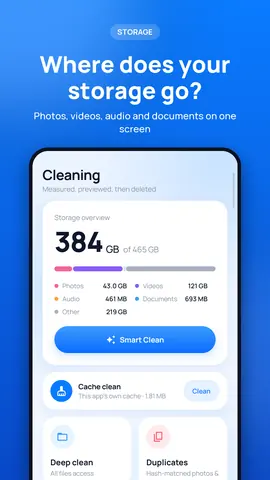
Cleaning
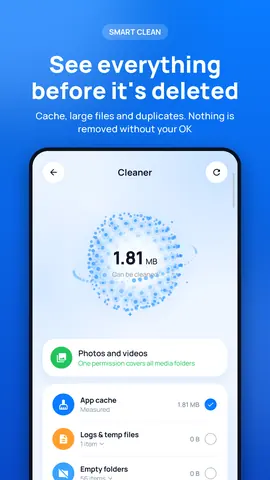
Cache, log files, empty folders, large files and duplicates on one screen. You see everything first; no file is deleted without your approval.
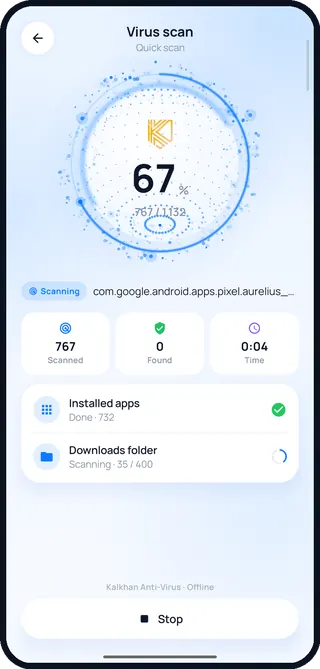
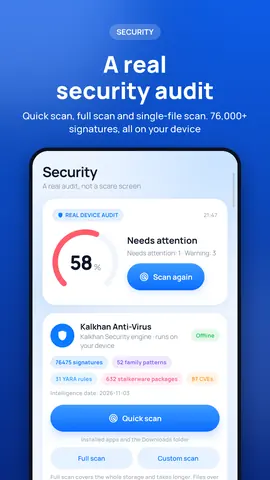
Anti-Virus
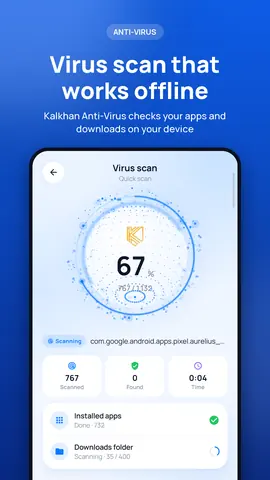
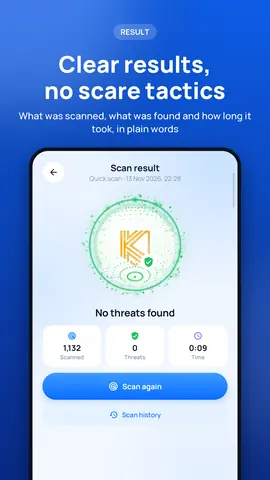
Kalkhan Anti-Virus scans your installed apps and your files inside your phone. None of your files or your app list ever leaves the device.
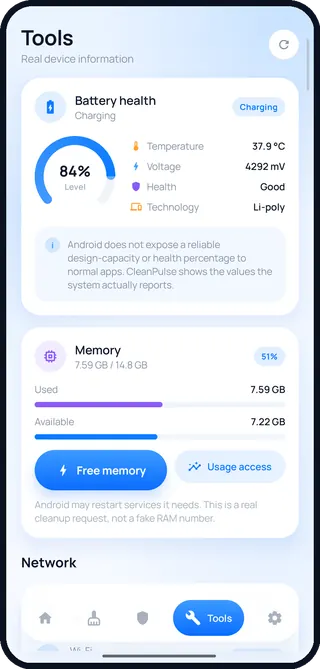
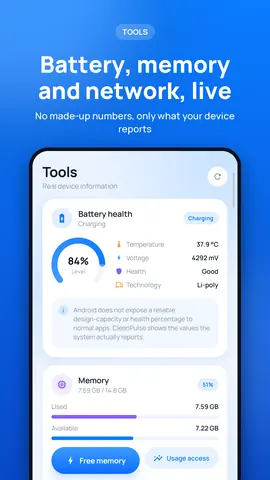
Tools
Battery temperature and voltage, memory in use, Wi-Fi security and VPN status are shown live. There are no made-up percentages or fake boost numbers.
Screenshots
Our principles
Every value shown is measured on your device. If 2 MB can be cleaned, it says 2 MB; you never see an inflated figure meant to alarm you.
No file is deleted on its own. You see the list, pick what you want and then confirm.
Scans happen inside your phone. There is no account, no sign-up and no server of ours; the internet is used for ads only.
Yes. The app is free and shows one banner ad at the bottom of its four main screens. There are no subscriptions or in-app purchases.
No. The signature database ships with the app and the scan runs on your device. Your files and your list of installed apps are not sent anywhere.
Only the ones you select and confirm. WhatsApp folders and files named as backups are never offered for automatic cleaning.
It depends on your storage. On our test phone 732 apps and about 72,000 files took around 5 minutes. You can stop the scan at any time.
No. CleanPulse does not use an always-running service. Scans run when you start them, when a new app is installed and at the scheduled checks you choose.
Android 8.0 and later. The interface is available in Turkish, English, German, Spanish, Russian and Arabic.
Free. No account needed. Scans run on your device.
Get it on Google Play